Oasis app icon
Navigate Oasis with the official Oasis mobile app!

Oasis makes exploring Mount Maunganui and Tauranga more rewarding. Scan QR codes, complete local challenges, collect badges, earn points, unlock rewards, and discover cafés, restaurants, fitness spots, events, and hidden gems while supporting local businesses.

Oasis NZ profile app screen mockup
Oasis NZ profile app screen

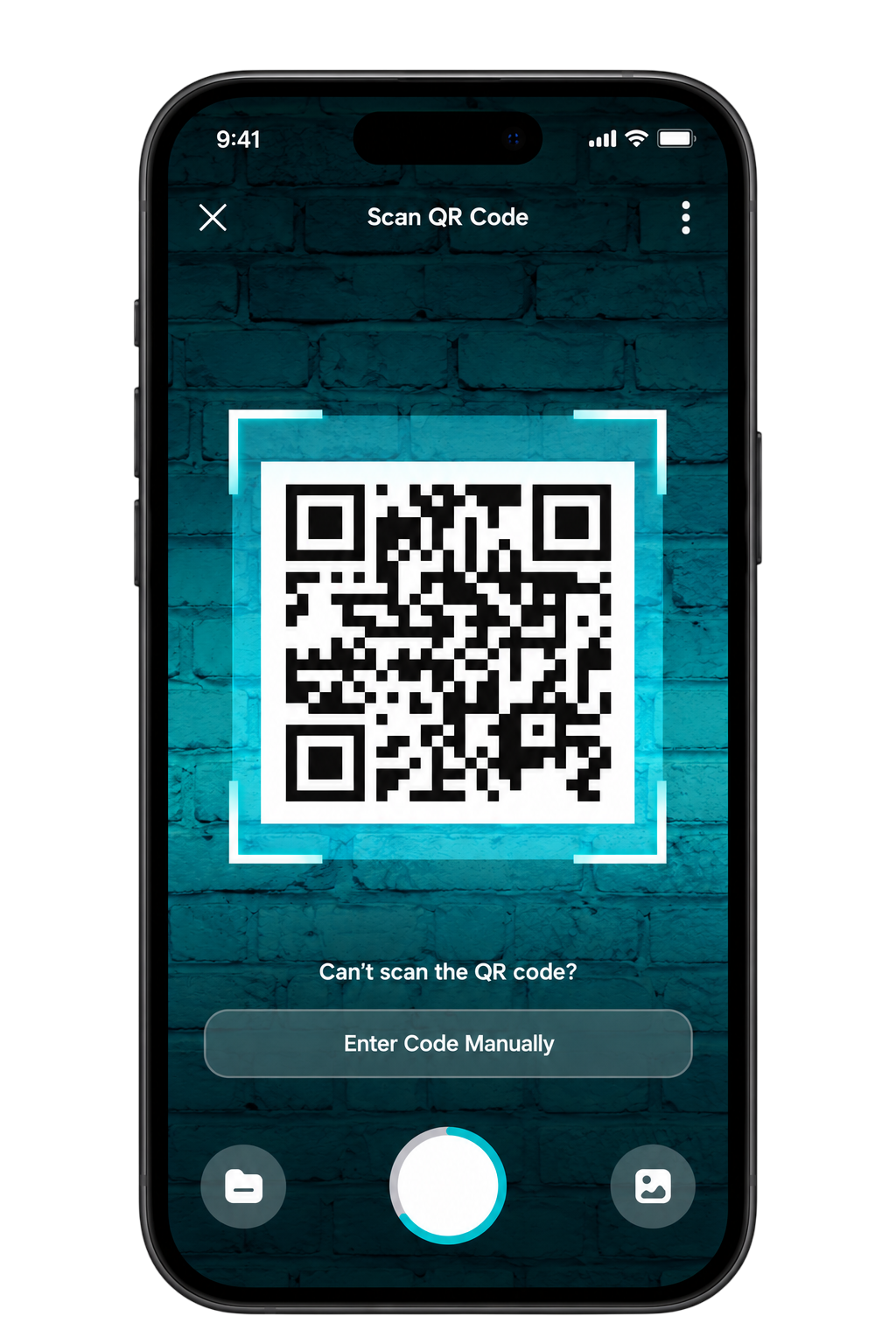
Scan & Discover

Scan QR codes at participating venues and hotspots to complete challenges, earn points, unlock badges, and discover more around Mount Maunganui and Tauranga.
Oasis NZ rewards screen

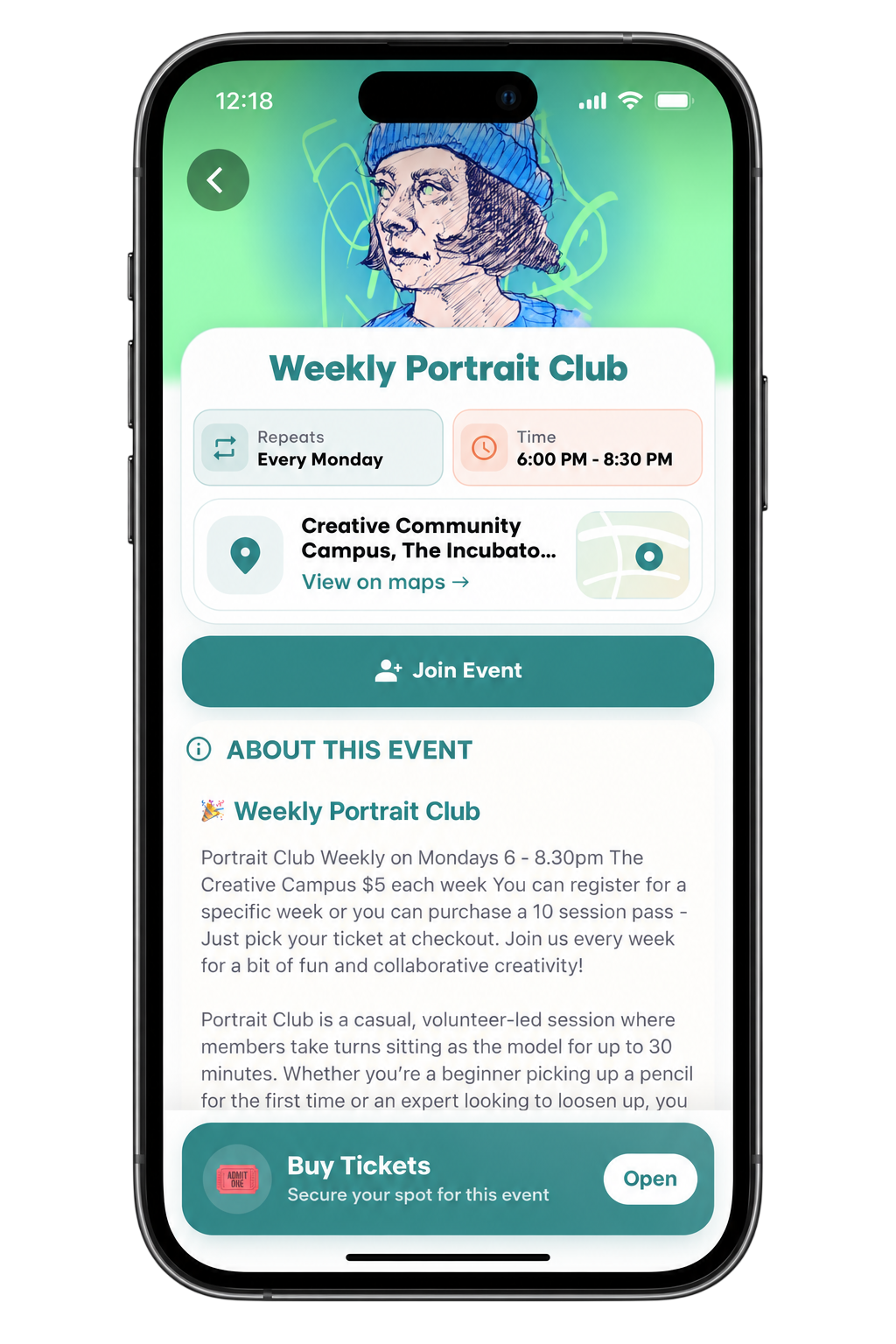
Discover Events

Explore local events, check dates, times and locations, join activities, and access ticket information directly through the Oasis app.
Oasis NZ QR scanner screen

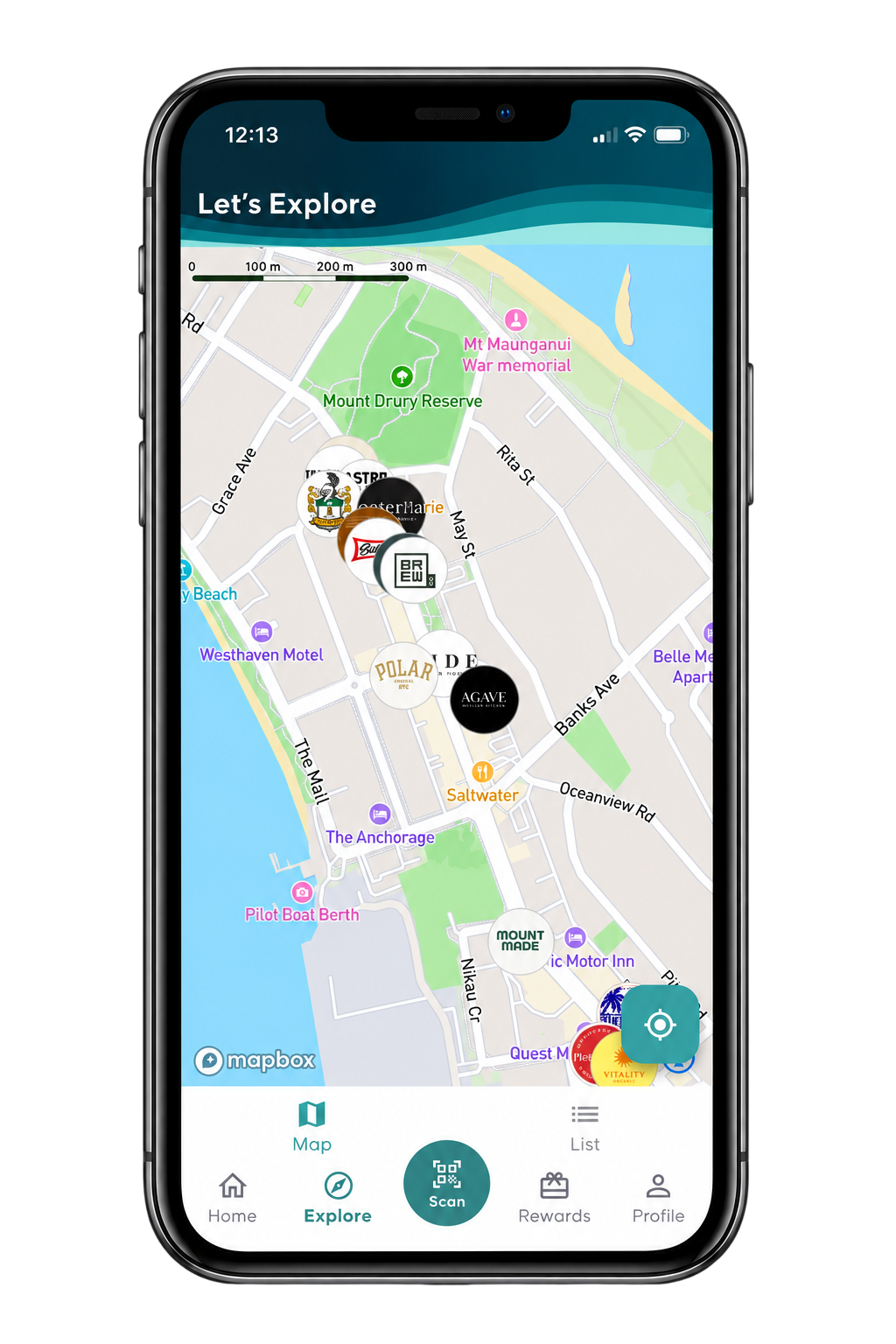
Explore Locations

Use the interactive map to discover participating venues, nearby businesses and experiences across Mount Maunganui and Tauranga.
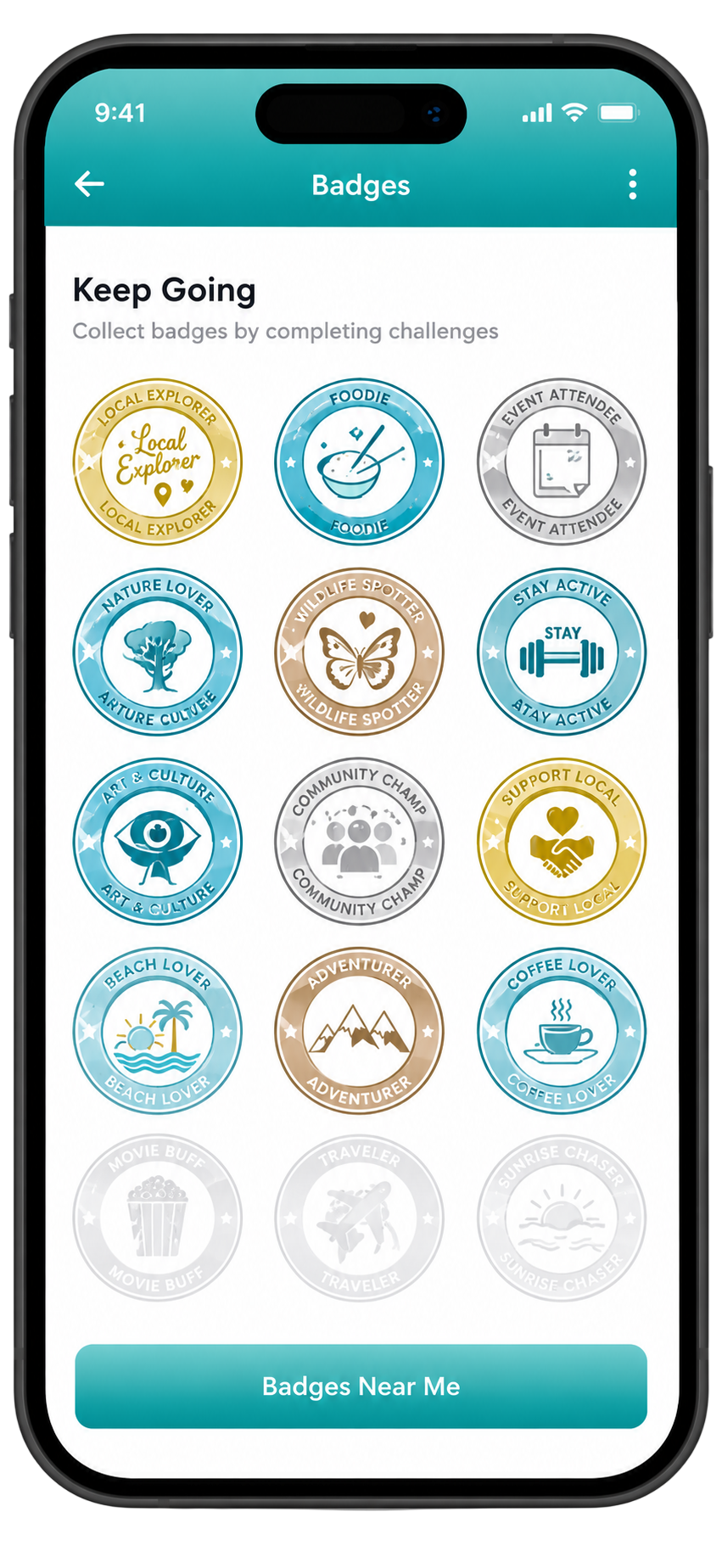
Oasis NZ badges screen

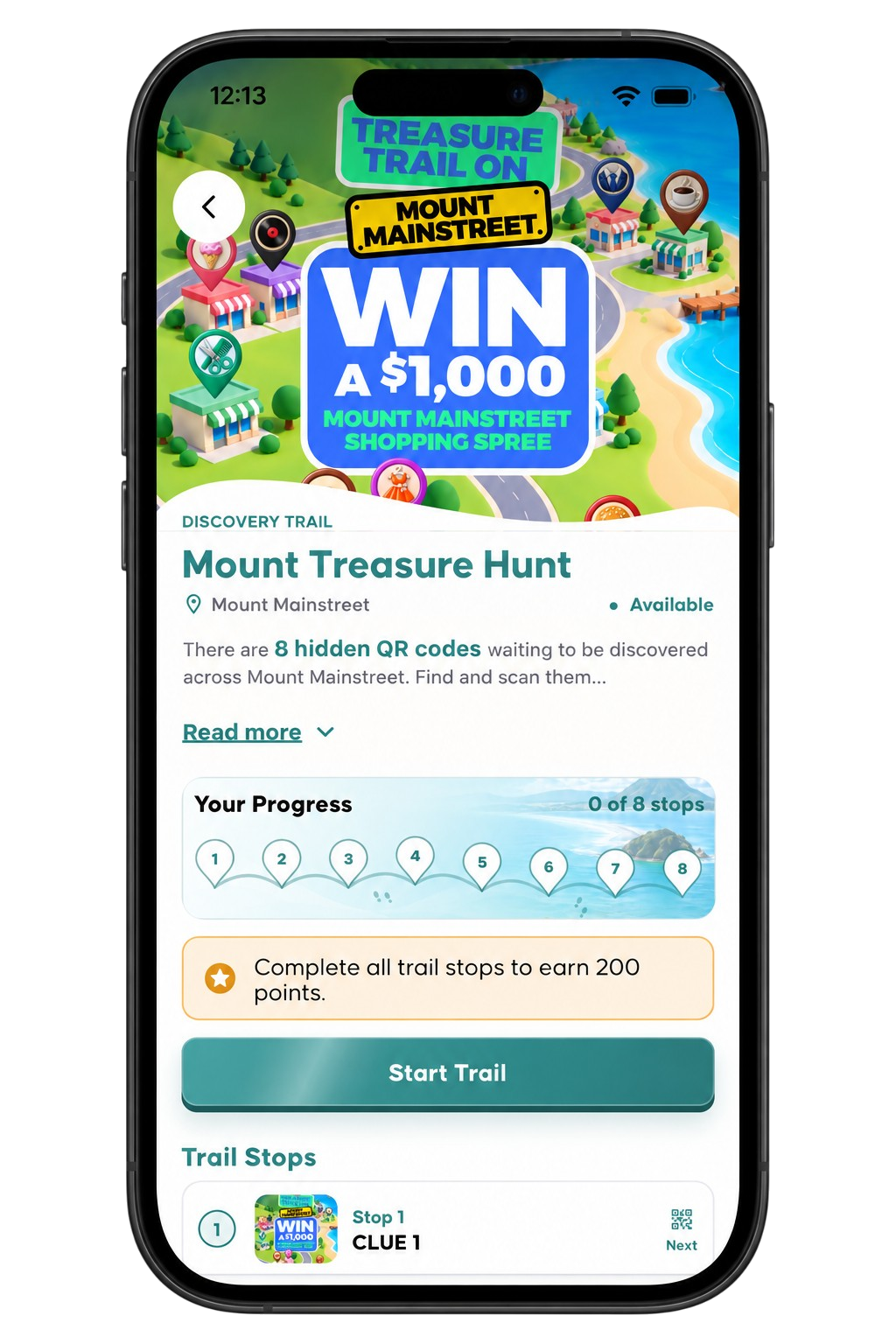
Complete Trails

Take part in discovery trails, visit each stop, scan hidden QR codes and complete the journey to earn bonus Oasis points.
Oasis NZ profile and media screen

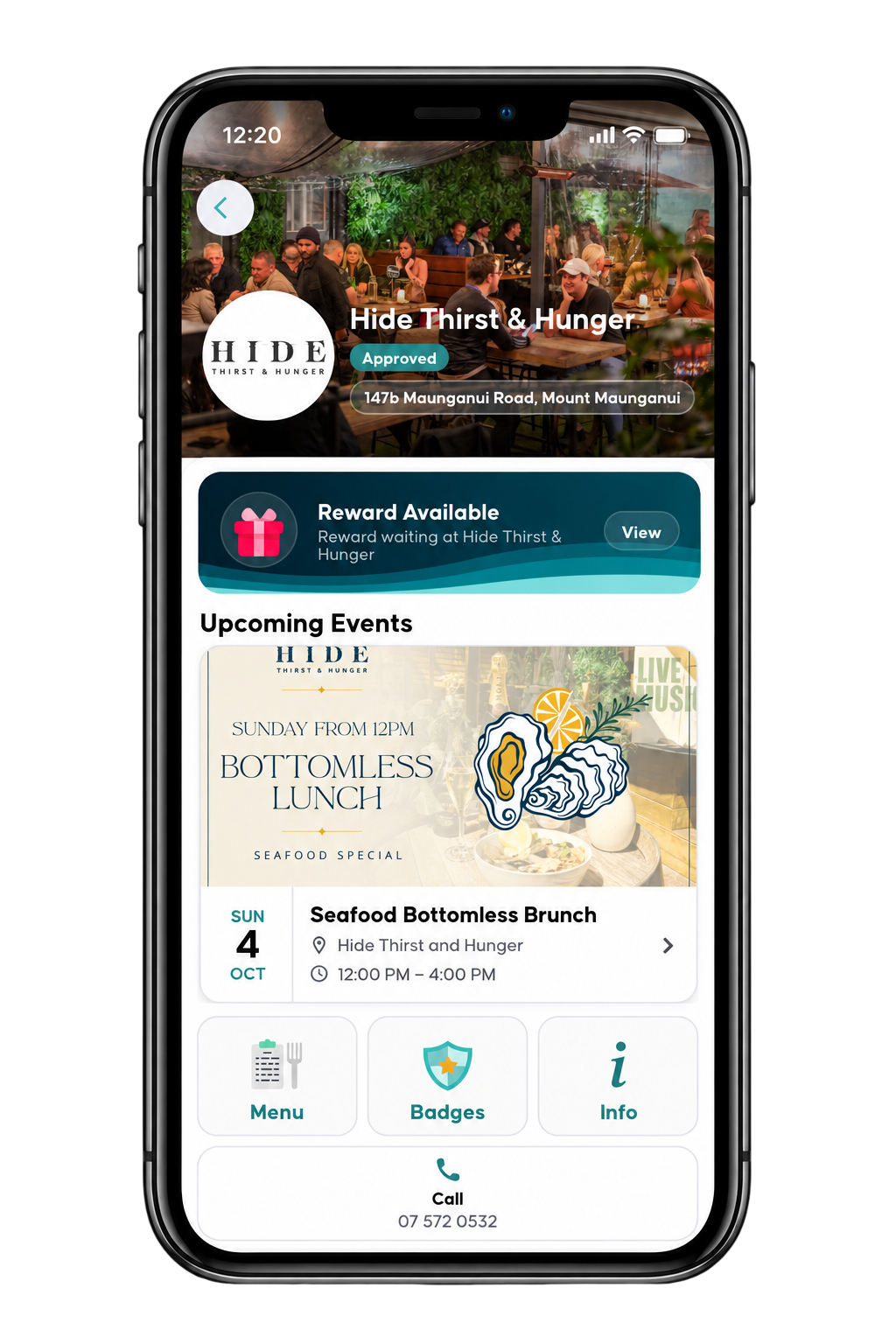
Discover Venues

Explore local businesses, view available rewards and upcoming events, and quickly access venue information, menus, badges and contact details.
Oasis NZ rewards and listings screen

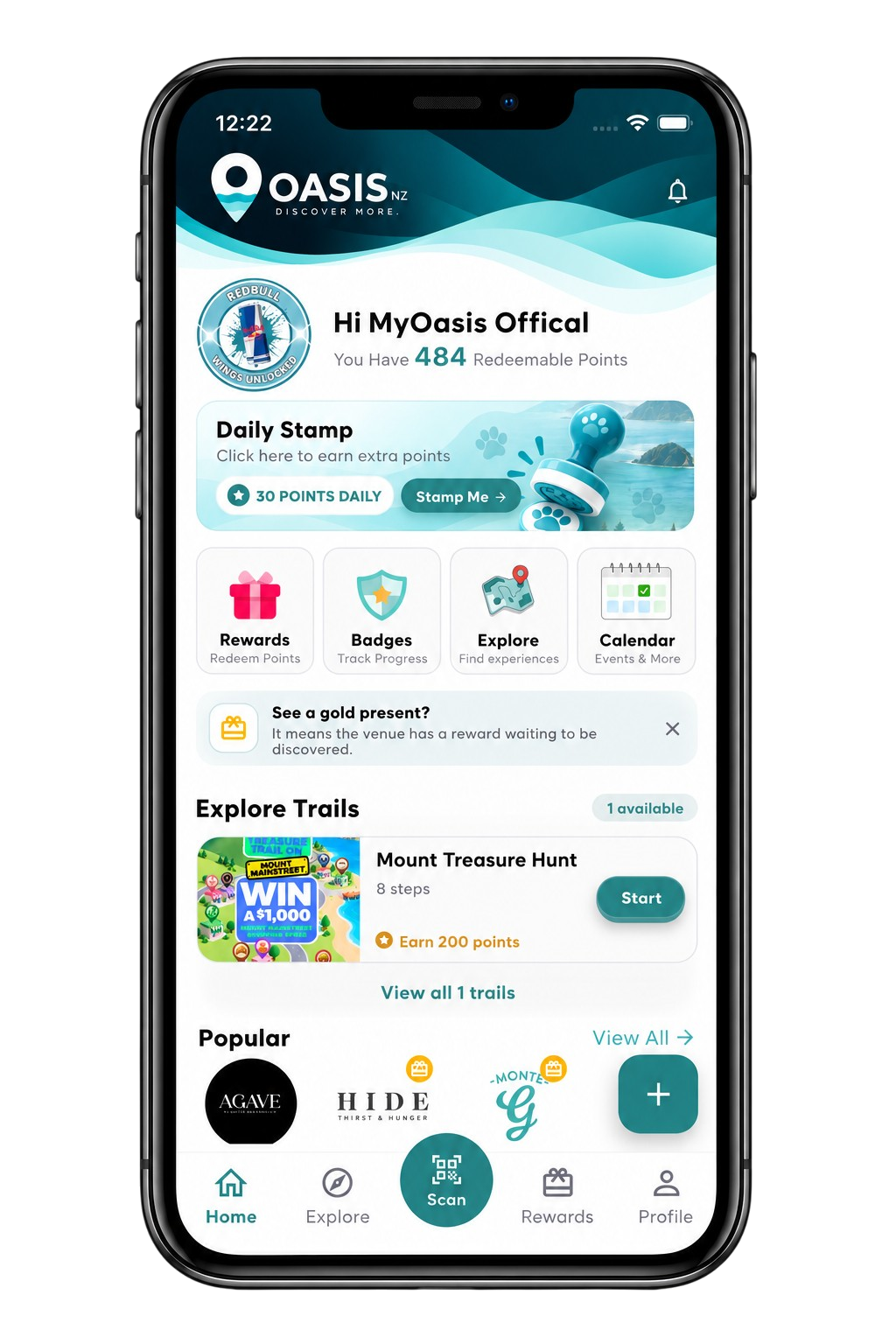
Your Oasis Home

See your points, daily stamp, rewards, badges, trails and popular local venues from one convenient personalised home screen.
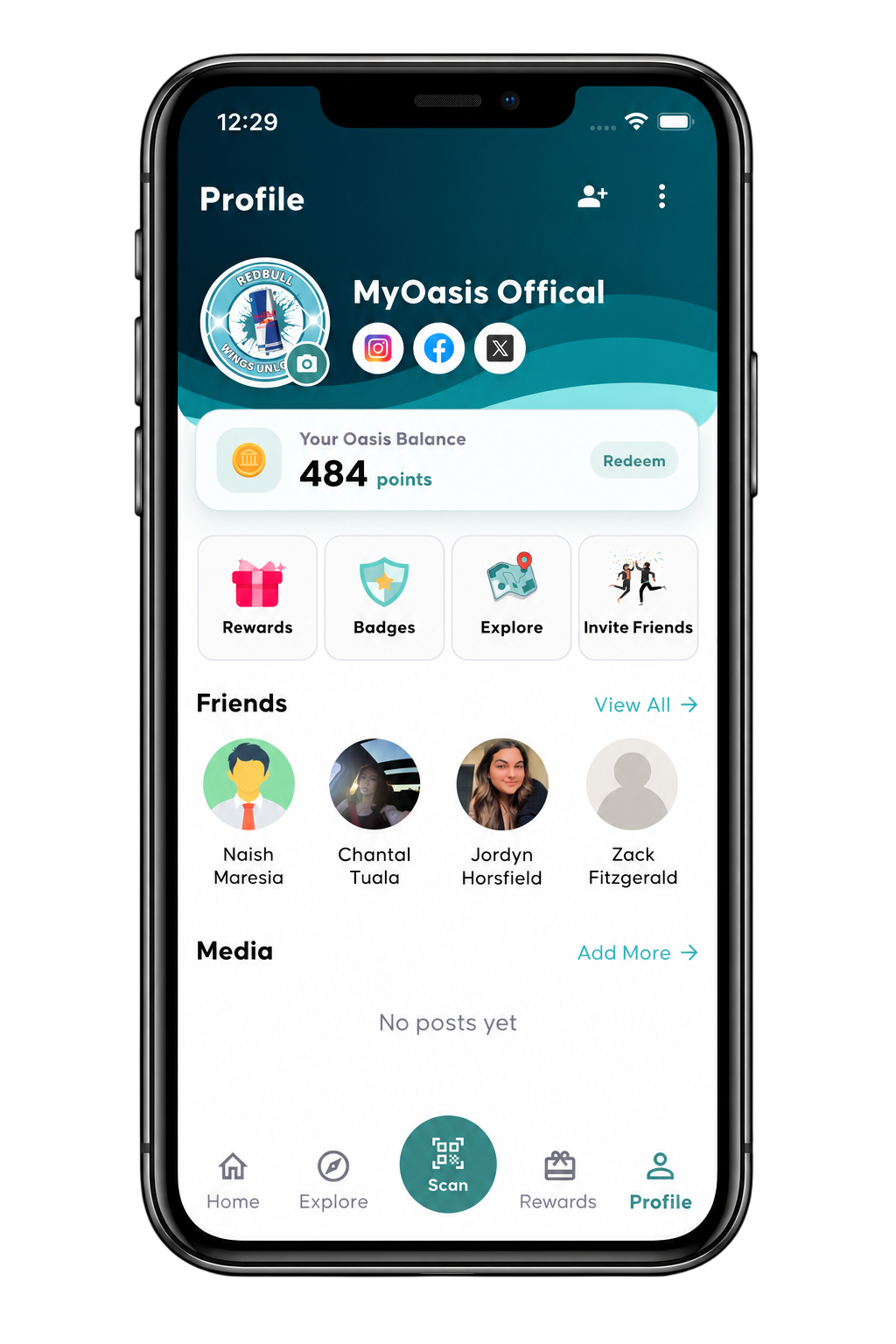
Oasis NZ account profile screen

Your Profile

Track your Oasis balance, rewards, badges and activity, connect with friends, manage your profile and follow your progress in one place.

Frequently Asked Questions

Make sure your device is connected to the internet and that your App Store or Google Play account is available in a supported region. You can also use the download buttons at the top of this page.
Check that all required details have been entered correctly. If the issue continues, close the app, reopen it and try again.
Confirm that you are using the correct email address and password. If required, use the password reset option.
Check your internet connection and refresh the application. Some information may require a short time to synchronise.
Ensure location permission is enabled for the Oasis app from your device settings and then reopen the application.
Open the Events section inside the application to browse upcoming activities, events and local listings.
Use the location or map area of the app to explore nearby places and available activities.
Make sure notifications are enabled for the Oasis app through your Android or iOS device settings.
Update the application to the latest available version and restart your device if the problem continues.
When a new version is available, a pop-up will appear in the Oasis app. Simply tap Update Now and you’ll be taken directly to the App Store or Google Play Store to install the latest version. You can also open your device’s app store at any time, search for Oasis NZ, and tap Update if one is available.
Contact the Oasis support team and include details about your device, operating system, app version and the issue you are experiencing.